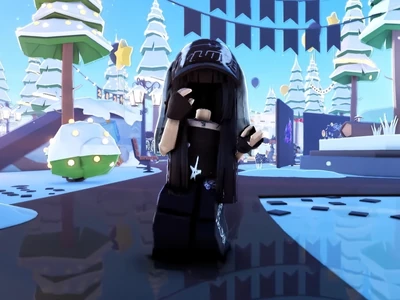
Bloom
Glow & Bloom
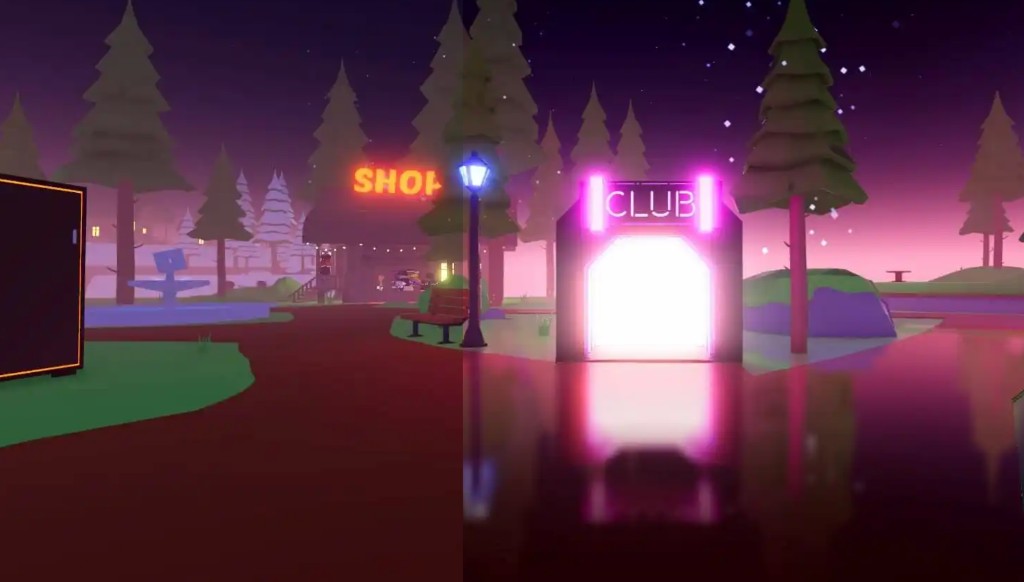
Bright surfaces spill light into nearby pixels — neon signs, sunsets, and explosions look more vivid than ever.
v1.5.0 · Chrome · Edge · Firefox
Bloom · Fog · Shadows · Depth of Field.
Set it up once — better visuals in every game.
Pull the slider to compare Roblox before and after RoShade.


Visual effects that run entirely inside your browser.
Bright surfaces spill light into nearby pixels — neon signs, sunsets, and explosions look more vivid than ever.
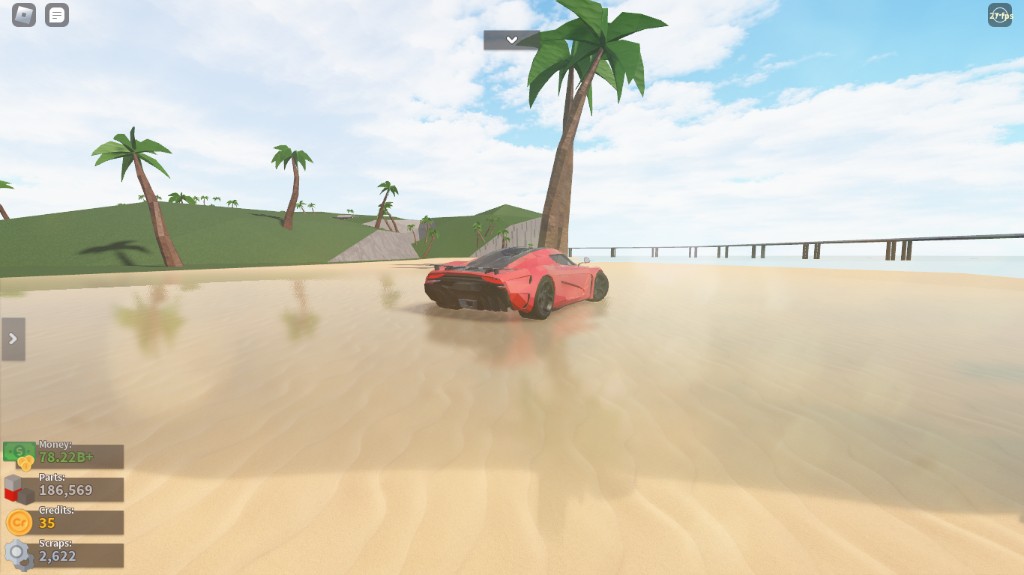
Distance-based haze softens far-off geometry with cinematic mist, giving every world more depth.
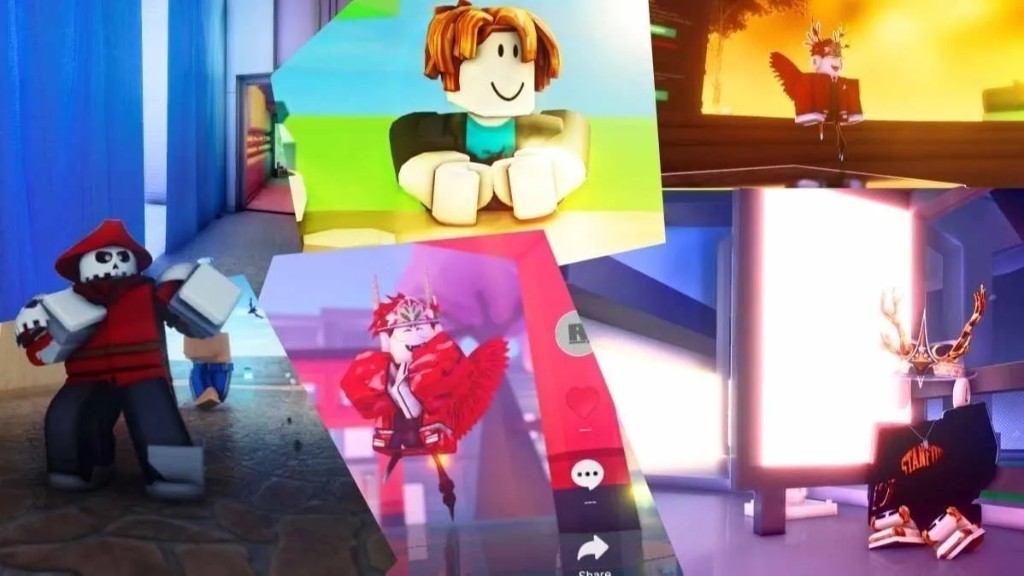
Soft ambient occlusion deepens corners and edges with natural shadow, adding weight and depth to scenes.
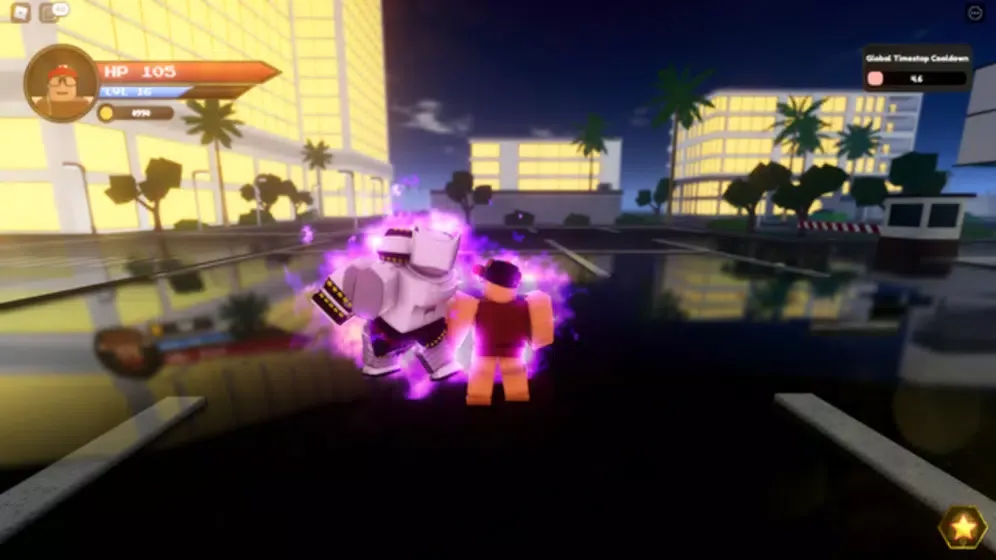
Background details blur naturally as focus changes — the same depth effect used in film and AAA titles.
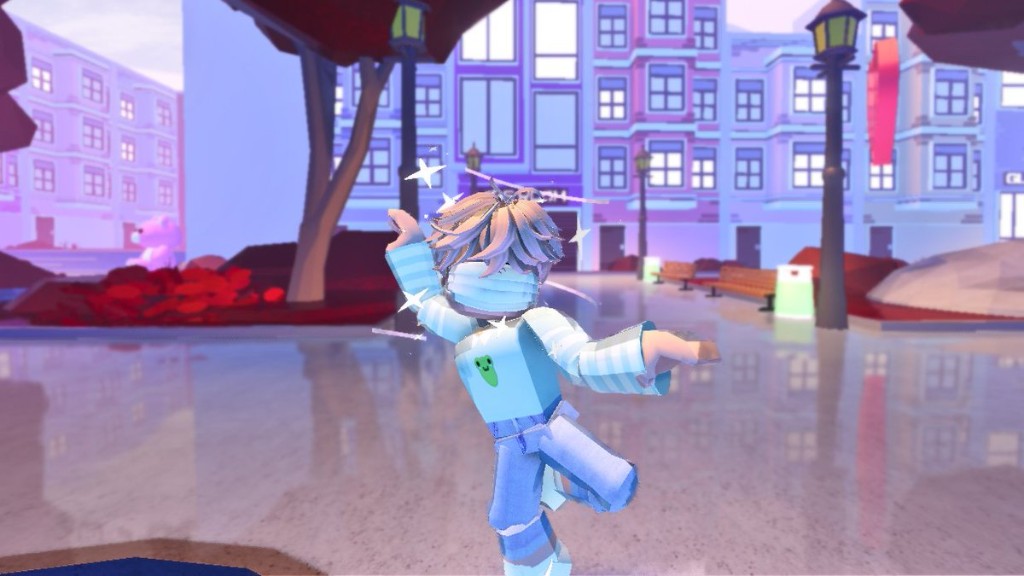
The same worlds — a completely refreshed look.
Download the ZIP, load unpacked in Chrome — done in under two minutes.
Click Download extension above — saves RoShade-RbxRash.zip to your PC.
Extract to any folder, e.g. Desktop/RoShade.
Open chrome://extensions, enable Developer mode, click Load unpacked, pick the folder.
Pin RoShade, open Roblox, click the extension → Enable Shaders.
You start the download manually. The file is a ZIP browser extension — not an automatic installer.
RoShade is a third-party browser extension that applies post-processing shaders to the Roblox web player. It adds visual effects such as bloom, fog, depth of field, and shadows on your screen only. It does not change Roblox game files.
Chrome, Edge, and Firefox are fully supported. Chromium-based browsers such as Brave, Opera GX, and Vivaldi should work as well.
RoShade runs as a browser extension with visual-only effects on your side. We cannot guarantee how Roblox or third parties classify extensions — check Roblox’s policies if you are unsure.
Shaders run on your GPU. On modern hardware the impact is usually small. You can turn off individual effects in the extension popup to balance quality and performance.
Download the latest ZIP from this page, unpack it to a new folder, then open chrome://extensions, find RoShade, click refresh, and select the new folder. Your settings stay intact.
RoShade works on any system where Roblox runs in a browser — Windows, macOS, and Linux included. The extension itself is platform-independent.